
How to Pay Engineers Town Bills Online via 1LINK (Mobile Banking, ATM & Internet Banking)
Learn how residents of Engineers Town can easily pay their bills online using the 1LINK system through mobile banking apps, ATMs, or internet banking in Pakistan.
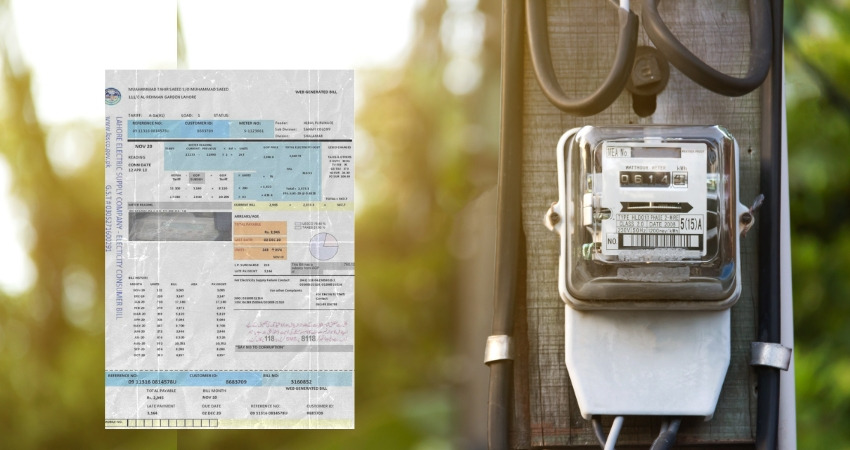
To make bill payments easier and more convenient for residents, Engineers Town Lahore now allows members to pay their society bills through the 1LINK / 1Bill system.
This means residents of the community can pay their dues without visiting the office. Payments can be made using:
Mobile banking apps
Internet banking portals
ATMs
Participating banks across Pakistan
For residents who own plots or houses in Engineers Town, this system makes monthly bill payments simple, secure, and accessible from anywhere.
What is 1LINK?
1LINK is Pakistan’s largest interbank payment network. It connects multiple banks and financial institutions across the country and allows customers to perform several services from their bank accounts.
Through 1LINK, users can:
Pay utility and institutional bills
Transfer funds between banks
Use ATM services nationwide
Make payments through mobile and internet banking
With the 1Bill service, residents can now pay Engineers Town Lahore bills online directly through their bank.
This facility is particularly useful for property owners and professionals, including many engineers and members associated with IEP and IEP Town, who prefer quick digital payments rather than visiting the society office.
Step-by-Step Guide to Pay Engineers Town Bills
You can pay your bill using any participating bank’s mobile app or internet banking portal.
1. Log in to Your Banking App
Open your bank’s mobile banking application or internet banking portal and log in to your account.
2. Go to the Payments Section
Navigate to the “Payments” or “Bill Payments” section within the app.
3. Select the 1Bill Option
Choose the “1Bill” option. This feature allows payments to organizations connected to the 1LINK bill payment network.
4. Choose Invoice / Fixed Payment Biller
After selecting 1Bill, choose:
Invoice / Fixed Payments Biller
This option allows you to pay your bill using a billing reference number.
5. Enter Your Reference Number
Enter your billing reference number, for example:
1213XXXXX
Make sure the reference number matches the one issued for your Engineers Town property account.
6. View Billing Details
Once you enter the reference number, the system will display your billing details, including:
Account information
Amount due
Billing period
Carefully verify the information before proceeding.
7. Confirm and Complete the Payment
Follow the instructions provided by your bank and confirm the transaction.
After completing the payment, you will receive a confirmation message or digital receipt.
Benefits of Paying Engineers Town Bills Through 1LINK
Using the 1LINK system offers several advantages for residents and property owners in the society:
Pay bills anytime from anywhere
Avoid queues at the society office
Secure and verified banking transactions
Instant payment confirmation
Supported by multiple banks across Pakistan
For people managing plots or houses in Engineers Town Lahore, this system simplifies routine bill payments and reduces unnecessary visits to the office.
A Simple Tip for Residents
Always keep your billing reference number saved on your phone or written down. This makes future payments through 1Bill quick and hassle-free.
Online payments through 1LINK are helping modern communities like Engineers Town move toward faster and more convenient digital services for residents and property owners.